 PawShelf
Drop it on the cat. Pick it up later.
PawShelf is a shelf for your Mac. A small character peeks out from the edge of your screen and holds files, folders, images, links and text while you switch between apps.
Download on the Mac App StoreFor macOS 14 or later, on Apple silicon and Intel Macs.
How it works
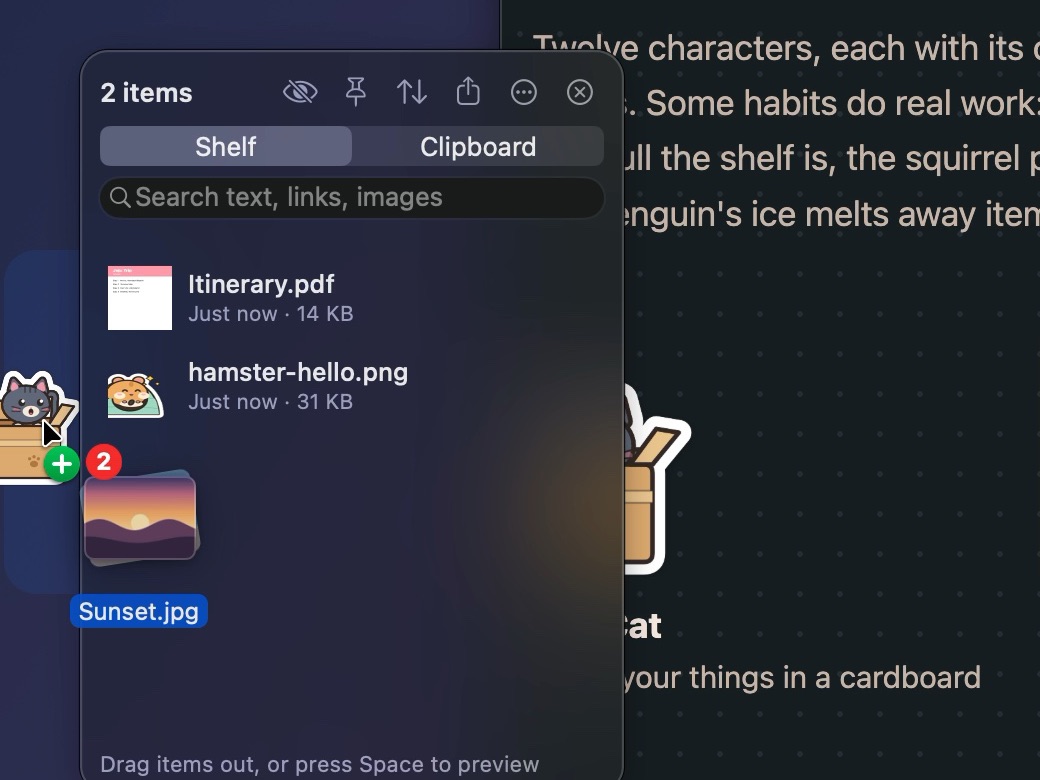
Drop it on the tab
Drag anything onto the character at the edge of your screen. Far from the edge? Shake the cursor while dragging, and the shelf opens right next to it.
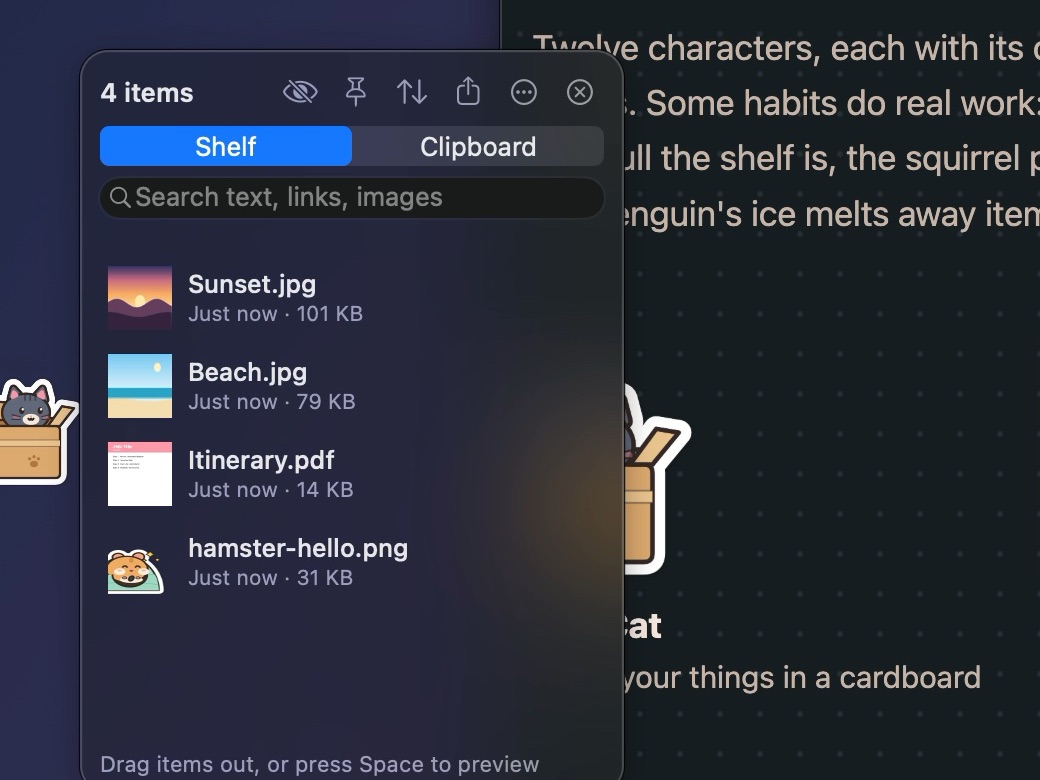
Carry on
Switch apps, Spaces and full-screen windows. The tab stays at the edge, and your items are still there after a restart.
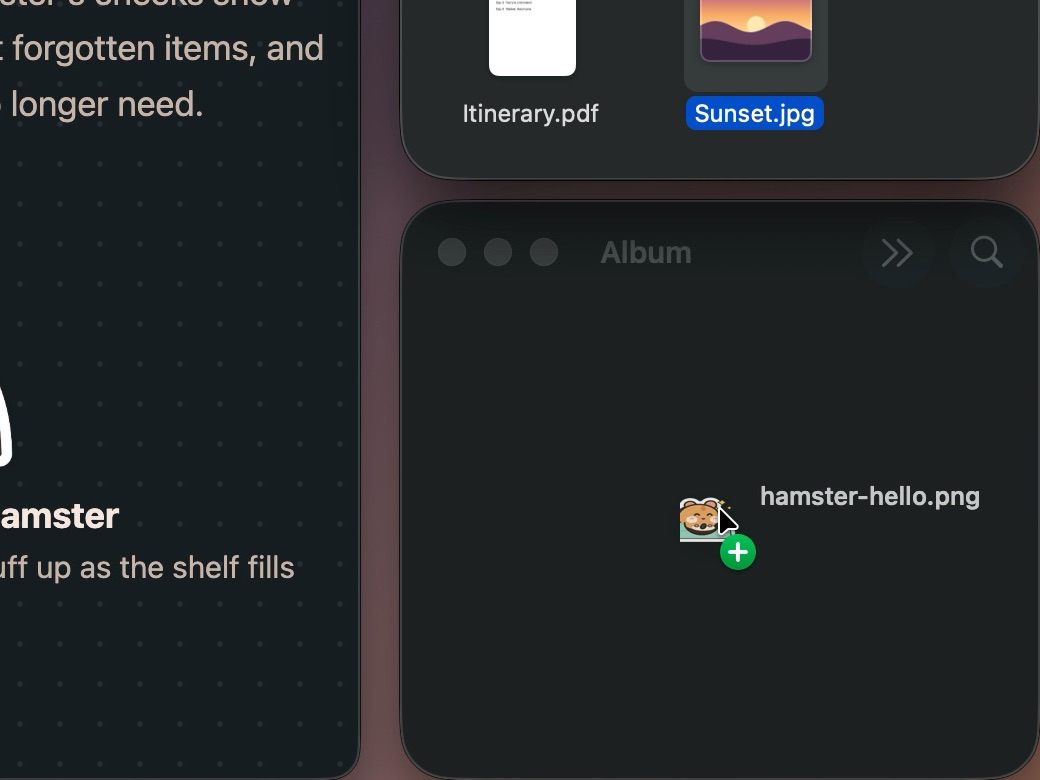
Drag it out
Drop items into Finder, Mail, a chat or an upload form. Select several to drag them out together.
Choose who keeps your things
Twelve characters, each with its own way of holding on to things. Some habits do real work: the hamster's cheeks show how full the shelf is, the squirrel points out forgotten items, and the penguin's ice melts away items you no longer need.
-
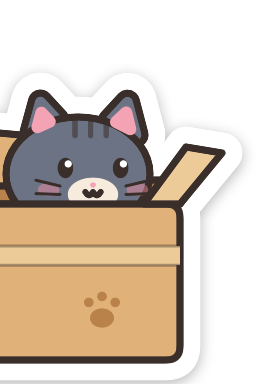

Box Cat
Hides your things in a cardboard box
-


Pouch Hamster
Cheeks puff up as the shelf fills
-
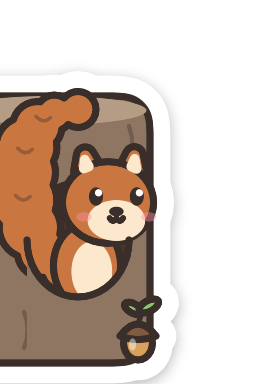

Acorn Squirrel
Remembers forgotten acorns and suggests a cleanup
-


Ice Penguin
Keeps things on ice until they melt away
-


Night Owl
Wide awake at night, sleepy by day
-


Shiny Magpie
Collects shiny links and pictures
-
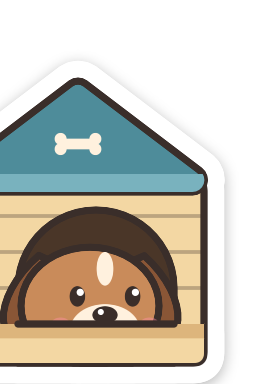

Fetch Dog
Fetches your things back when you need them
-
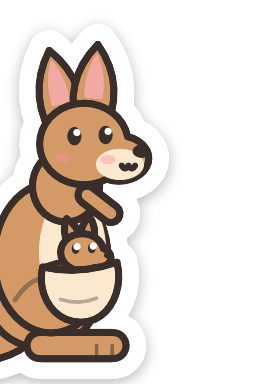

Pocket Kangaroo
Keeps things safe in its pouch
-


Pelican
Opens its big beak to catch drops
-


Eight-arm Octopus
Holds one thing in each arm
-


Burrow Mole
Stores things in its burrow
-

Shell Turtle
Keeps things safe under its shell
Point at a sticker to say hello.
Everything a shelf should do
Clipboard history
Your last 50 copies sit right on the shelf. Copies that password managers mark as private are never recorded.
Collect new files
Choose a folder such as Screenshots or Downloads, and new files land on the shelf by themselves.
Search inside images
Find a screenshot by the words in it. Text is recognized on your Mac.
Link titles and icons
Links show the page's title and icon, not just an address.
Recently Removed
Removed something by mistake? Bring it back from the ⋯ menu on the shelf.
Preview and share
Press Space for Quick Look, or send items with AirDrop and Messages.
Collections
Group related items and show one collection at a time.
On every Space
The tab follows you to every Space and sits above full-screen apps, on the left or right edge.
Ready for VoiceOver
Every button and item on the shelf has a VoiceOver label.
Nothing to allow in System Settings
PawShelf doesn't ask for Accessibility or Screen Recording permission. It runs in the App Sandbox and only opens what you hand it. What you put on the shelf stays on your Mac.