Photos keep piling up, and when you finally sit down to sort them, it's hard to know where to start.
Start with one recent trip. We'll show you just the similar photos.
What You Can Do with MoaBook
MoaLet's make an album for each trip
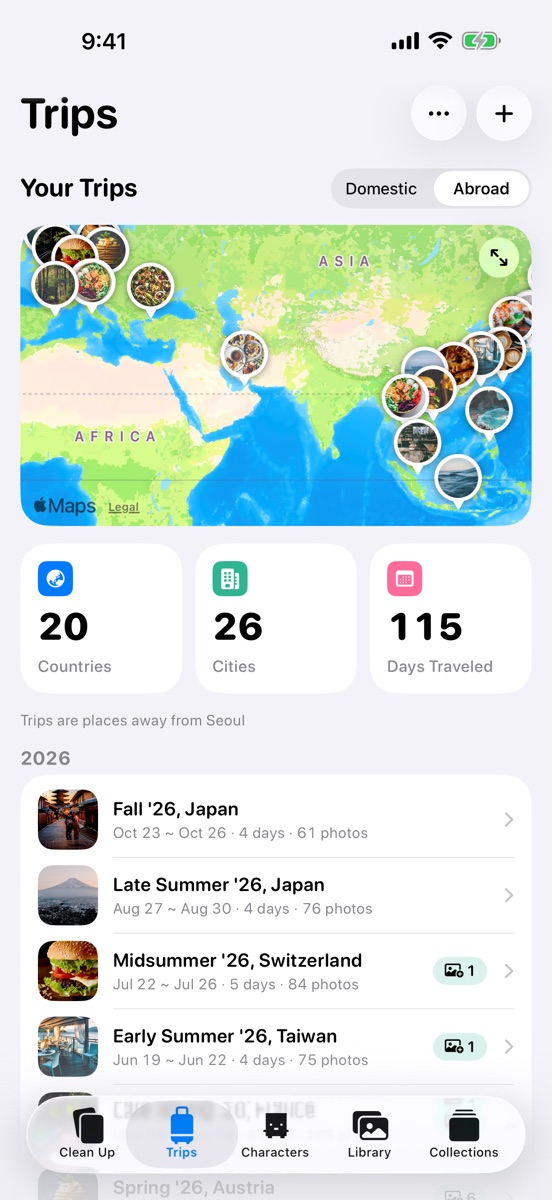
An Album for Every Trip
Trip photos get mixed in with everyday shots and screenshots.
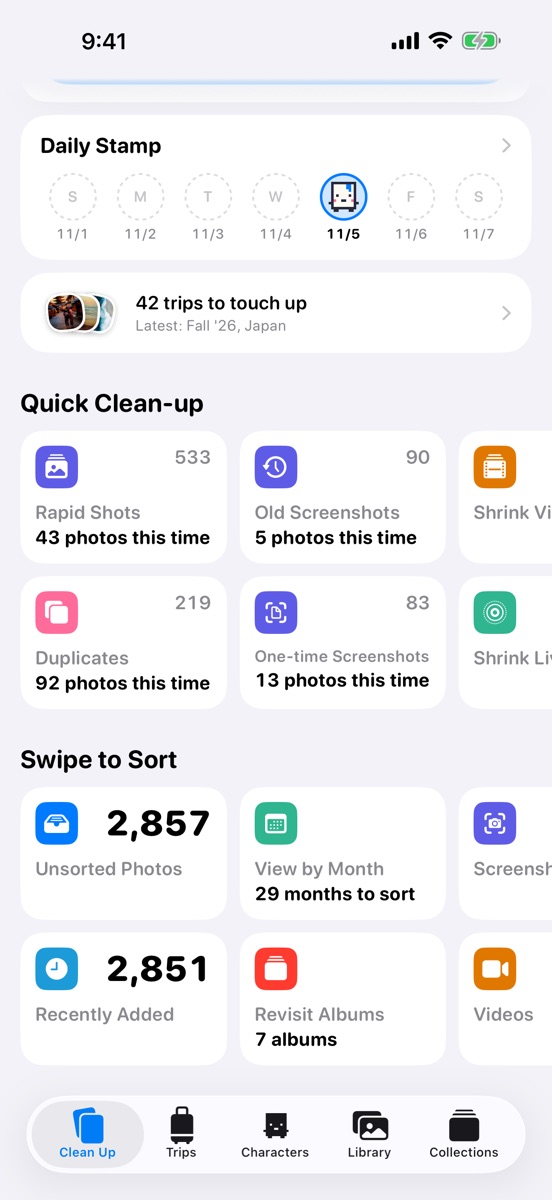
MoaBook finds your trips from when and where your photos were taken, and makes an album for each trip with one tap. You can revisit them on the map and in the list.
SnapPick just one of your similar photos
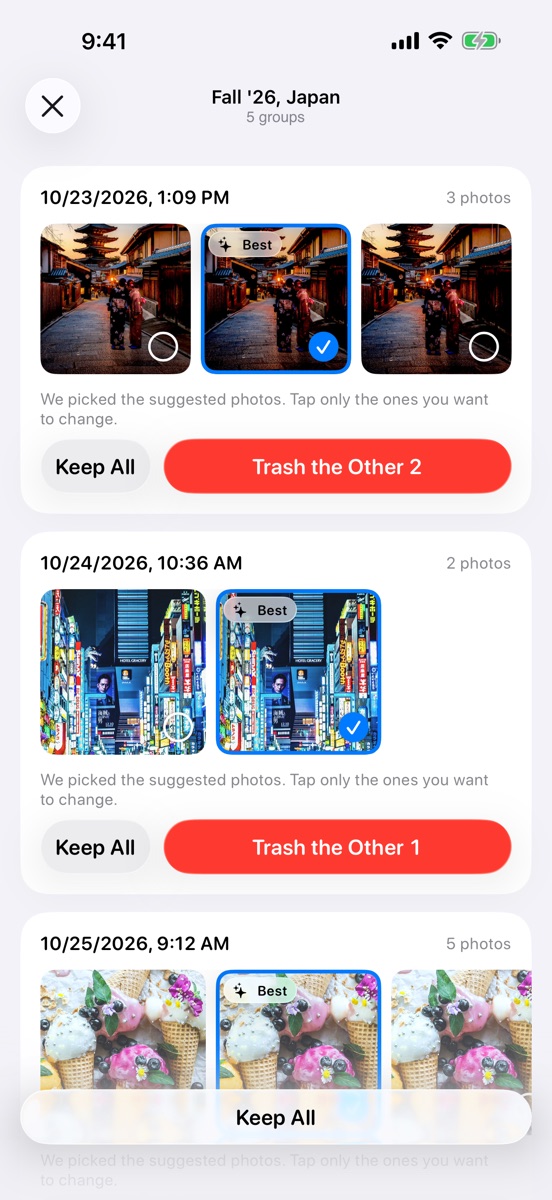
Keep Just One of Similar Shots
Taking several shots of the same scene makes albums long fast.
Rapid shots and similar photos within a trip are shown in groups. Pick the ones to keep, and the rest go to the Trash.
PolaDecide one by one as you swipe
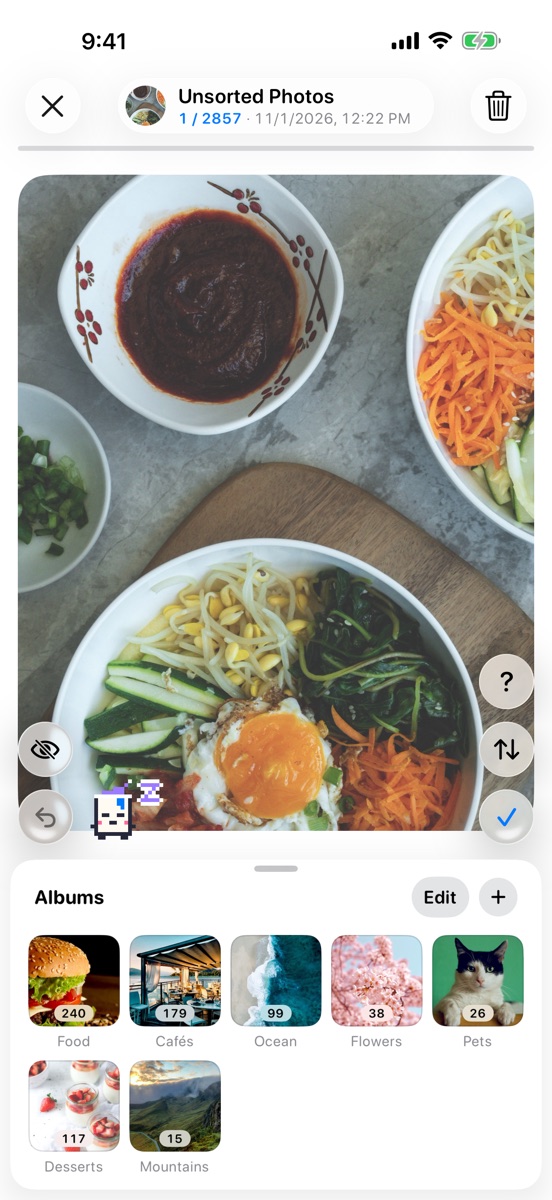
Sort as You Swipe
Opening each photo to delete it or add it to an album takes a lot of taps.
As you swipe, push a photo up to send it to the Trash, tap ✓ to keep it, or drop it on an album below to add it there. Swiped the wrong way? Undo brings it right back.
RollyShrink videos instead of deleting them
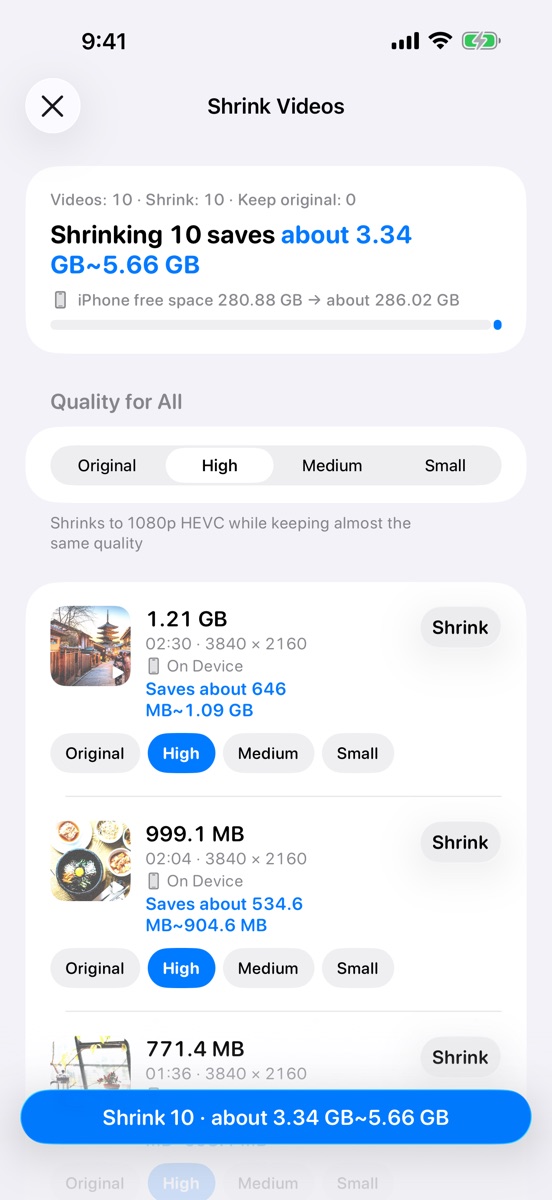
Free Up Space Without Deleting
You're low on storage, but you don't want to delete your videos.
Choose a quality for each video to make it smaller, and convert Live Photos to stills. You'll see how much you'll save first.
KittyTap me and I'll say something
The More You Sort, the Tidier the Room
Even after you clean up, photos pile up again quickly.
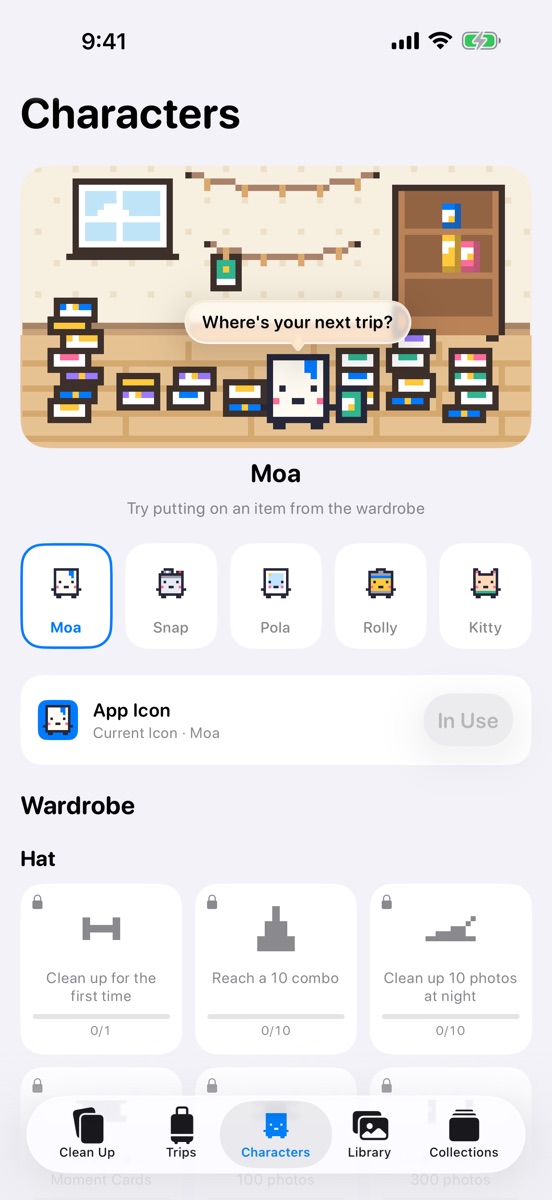
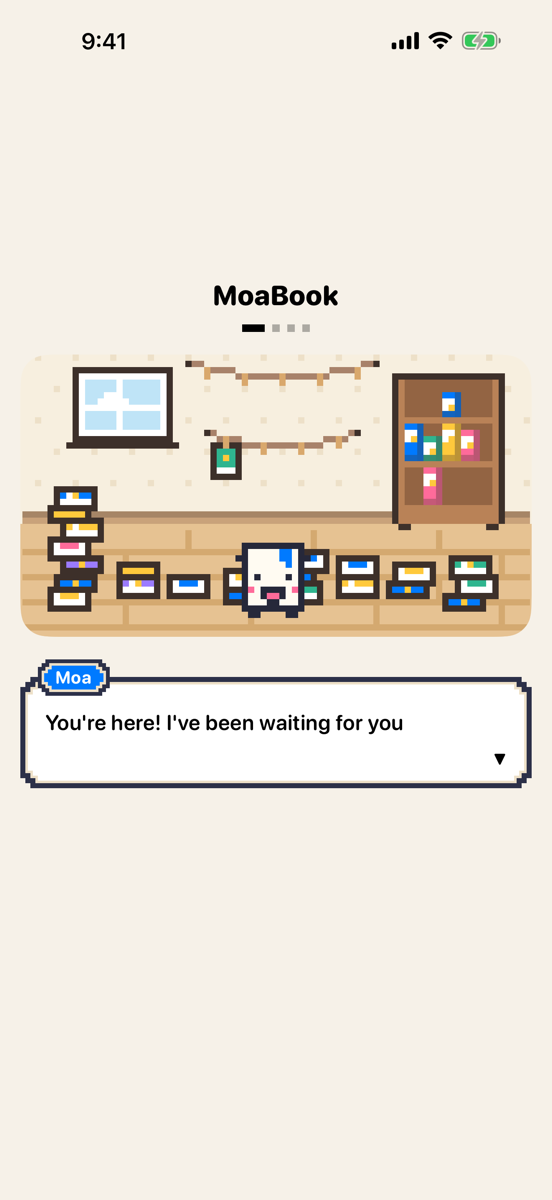
The Characters tab has a pixel room where your chosen friend lives. With lots of unsorted photos the room is messy, and the more you sort, the more your friend tidies up.
Tap your friend to hear one of 121 lines that fits the time, the season, and your cleanup record. Complete challenges to earn items to wear from the wardrobe, and change the app icon to your chosen friend.
More You Can Do
Clean Up Screenshots and Duplicates
Screenshots, one-time screenshots like verification codes, duplicates, documents and receipts, Live Photos, and large videos are gathered by type.
Finish One Month at a Time
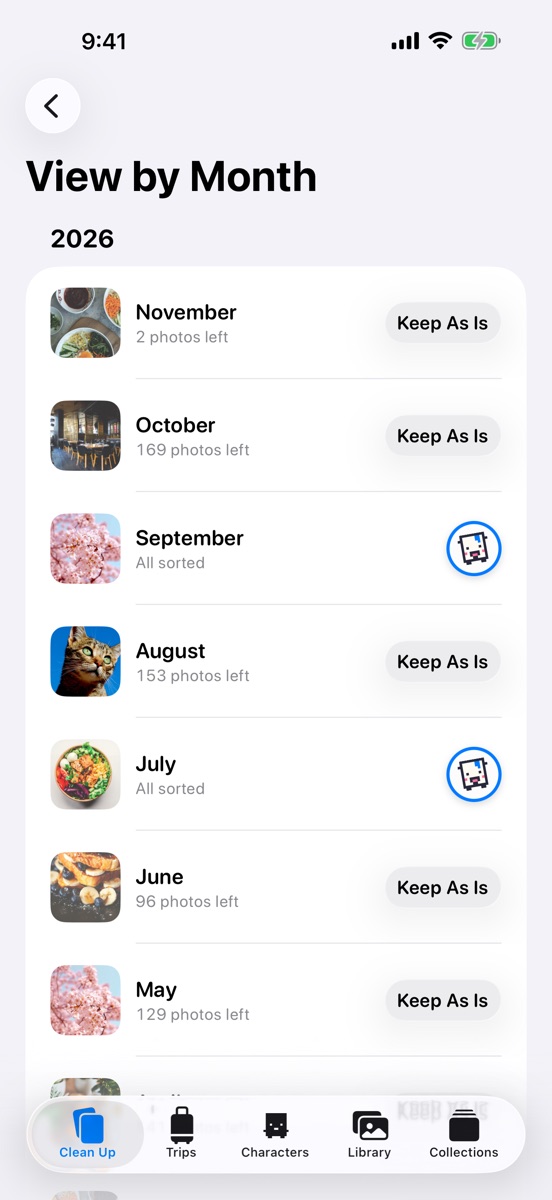
Swipe through each month's remaining photos, or finish the whole month at once with Keep As Is. Finished months get a done stamp.
Send a Trip as a Card
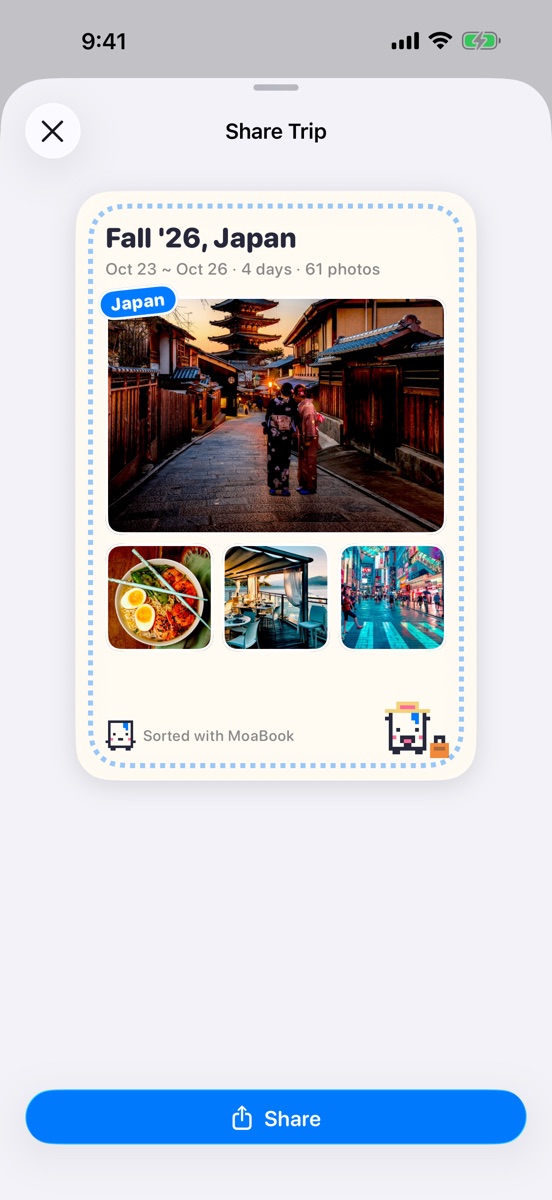
Revisit your trips on the map and by date, and send a share card with the trip name, dates, and photos.
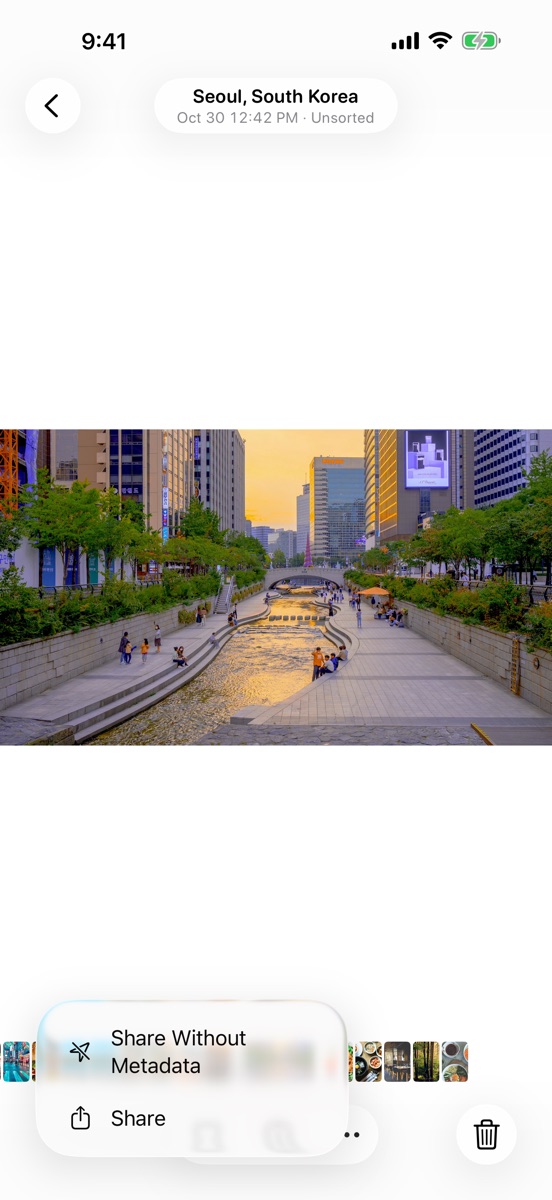
Share Without Your Location
When you send a photo, choose Share Without Metadata to send a copy with the location and camera details removed. The original stays as it is.
Your Photos Stay on This Device
Finding trips, finding similar photos, and sorting by topic all happen on your iPhone. Photos are never sent to a server. Location coordinates go to Apple Maps only to look up place names.
MoaBook doesn't track you, and this website doesn't collect visit stats.
Photos in the Trash aren't deleted until you empty it yourself. Even then, they stay in Recently Deleted in Photos for 30 days.